
Product selection
Compare array types, frequencies, depth ranges, and applications before choosing a configuration.
Compare probes →Whether you are comparing probes, preparing a mobile device, planning a PACS workflow, or requesting documentation, start here and we’ll route your question to the right specialist.
Include your country, probe model, mobile device, operating-system version, and a concise description of the question whenever possible.
Compare array types, frequencies, depth ranges, and applications before choosing a configuration.
Compare probes →Confirm the current supported phone or tablet, operating system, application version, and initial connection steps.
Ask about compatibility →Plan supported file export, DICOM, PACS, and EMR workflows with your clinical and IT teams.
Discuss connectivity →Request the locally applicable user documentation, cleaning guidance, regulatory information, or service assistance.
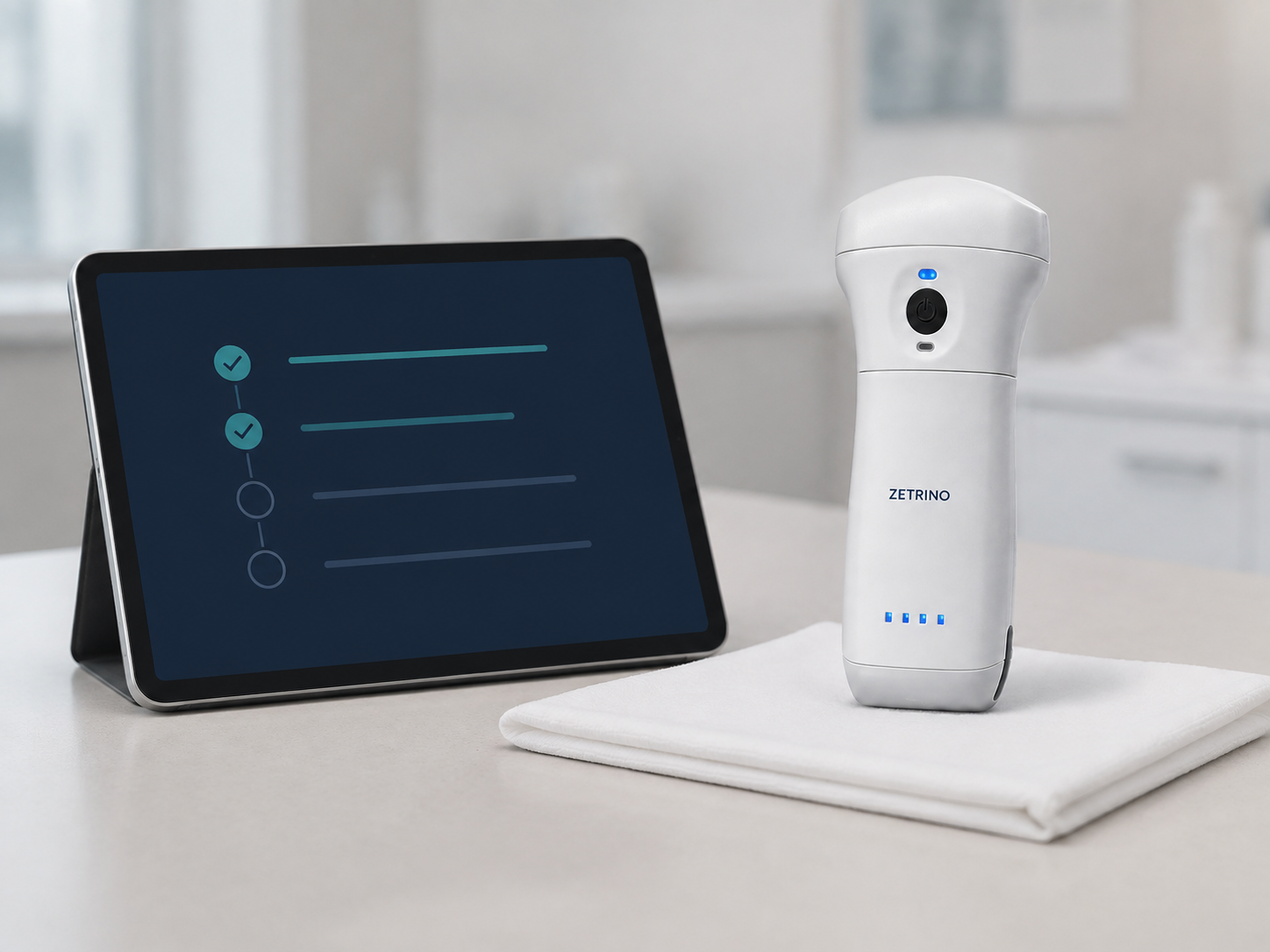
Request support →A careful setup helps align the device, software, network, documentation, and clinical governance before the first patient examination.
Check the model, accessories, locally approved documentation, and intended applications against the order.
Confirm the phone or tablet model, operating system, available storage, and supported application version.
Coordinate Wi-Fi, DICOM destination, PACS, EMR, and information-security requirements with local IT where applicable.
Follow the approved instructions for setup, cleaning, disinfection, storage, charging, and trained clinical use.
Product details vary by configuration and destination market. A specialist can confirm the exact documentation for your probe and location.
Compatibility depends on the probe model, application version, operating system, mobile-device hardware, and market. Send us the exact device model and OS version so we can check the current compatibility information.
Supported configurations can produce model-dependent image, clip, and DICOM files and can connect through configured PACS and EMR workflows. Successful integration depends on the application, software version, network, destination system, interfaces, IT policy, and local availability.
Compatible X9 configurations support B, B/M, Color, Power Doppler, and Pulsed-Wave modes. Available modes, presets, measurements, and export functions depend on the selected probe, software version, and local approval.
Use only the methods, agents, contact times, and handling steps listed in the locally applicable instructions for use. Contact support for the documentation supplied with your exact model; do not rely on generic cleaning advice.
Include your name, organization, country, probe model, serial identifier, mobile-device model, operating-system and application versions, and a description of what occurred. Do not send patient information through the website form.
No. Quotation, shipment, approved intended use, software features, documentation, and sale are subject to local regulatory requirements and product availability. We confirm these details during consultation.
Tell us about your clinical setting, priority applications, country, and preferred mobile device. We’ll help you identify the most relevant probe configuration and confirm local availability.
Talk to a specialist