
Technology
Imaging that moves at the pace of care.
Zetrino brings the probe, controls, image review, and supported sharing workflows together on a compatible phone or tablet—without a cart-based console between the clinician and the point of care.

Mobile workflow
From pocket to image in three clear steps.
A focused workflow keeps the essential actions close at hand. Exact controls, presets, and measurements depend on the probe configuration, application version, and local approval.
Connect
Power the probe and connect it to a compatible iOS or Android phone or tablet using the supported application.
Select and scan
Choose the appropriate preset, set depth and gain, and work with the imaging modes supported by the selected configuration.
Review and share
Capture supported still images or clips, review the study, and route approved files into the configured documentation workflow.
Connected care
Keep information moving after the scan.
Portable imaging is most useful when the result can reach the systems and people that need it. Zetrino configurations support structured export options for connected clinical environments.

01Capture on mobileReview supported images and clips on the connected phone or tablet.
→
02Export supported filesUse model-dependent JPG, MP4, or DCM output within the approved application workflow.
→
03Connect PACS and EMRRoute studies to a configured PACS and make approved information available to the electronic medical record.
PACS and EMR interoperability depends on the probe application, software version, network, destination system, interface configuration, local IT policy, and market availability.
Imaging modes
The essential views for focused assessment.
Mode availability is configuration-dependent. We confirm the required combination of modes, measurements, presets, and export features during consultation.
B-mode
Two-dimensional grayscale imaging for real-time visualization of anatomical structures.
B/M and M-mode
A motion trace along a selected line for compatible applications and measurements.
Color and PDI
Color flow and power Doppler views for compatible vascular and perfusion workflows.
Pulsed-wave Doppler
Spectral display of sampled flow velocity and direction on compatible configurations.
Array architecture
Choose the field of view the anatomy needs.
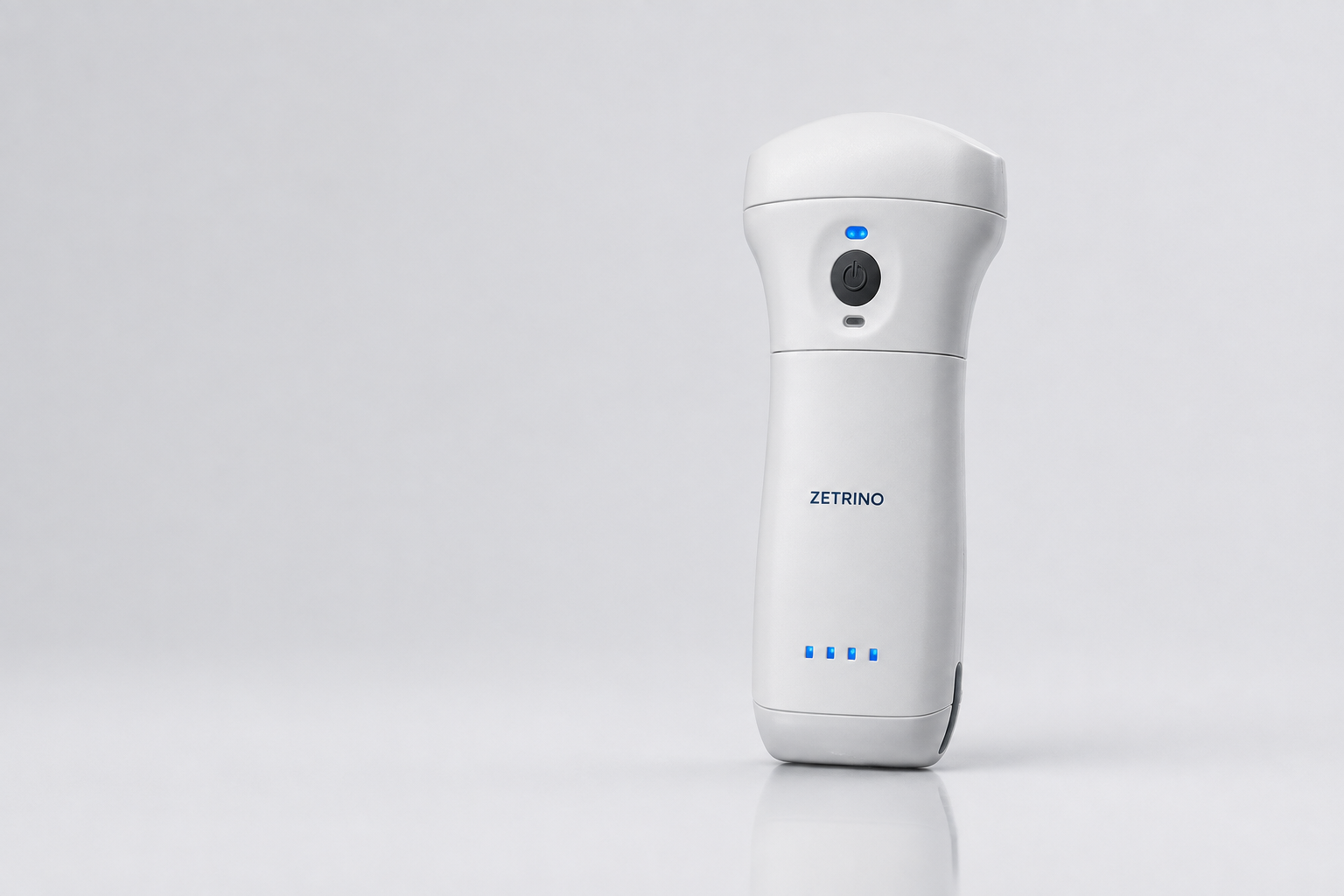
Probe geometry and frequency shape field of view, penetration, and near-field detail. The Zetrino range covers deep, general, superficial, and ultra-superficial imaging priorities.
- Convex
- A curved field of view for compatible abdominal, obstetric, and deeper scanning applications.
- Linear
- A rectangular field of view with higher-frequency options for vascular, MSK, lung, and superficial structures.
- Phased
- A compact acoustic window for compatible focused cardiac and other depth-oriented applications. Available within the Triad X9 configuration.
Built around your practice
Choose the right configuration with confidence.
Tell us about your clinical setting, priority applications, country, and preferred mobile device. We’ll help you identify the most relevant probe configuration and confirm local availability.
Talk to a specialist